 Filiation
Docs › Using Filiation
The desktop app
One window, a few screens. Everything you do here, the command line can do too.
Screens
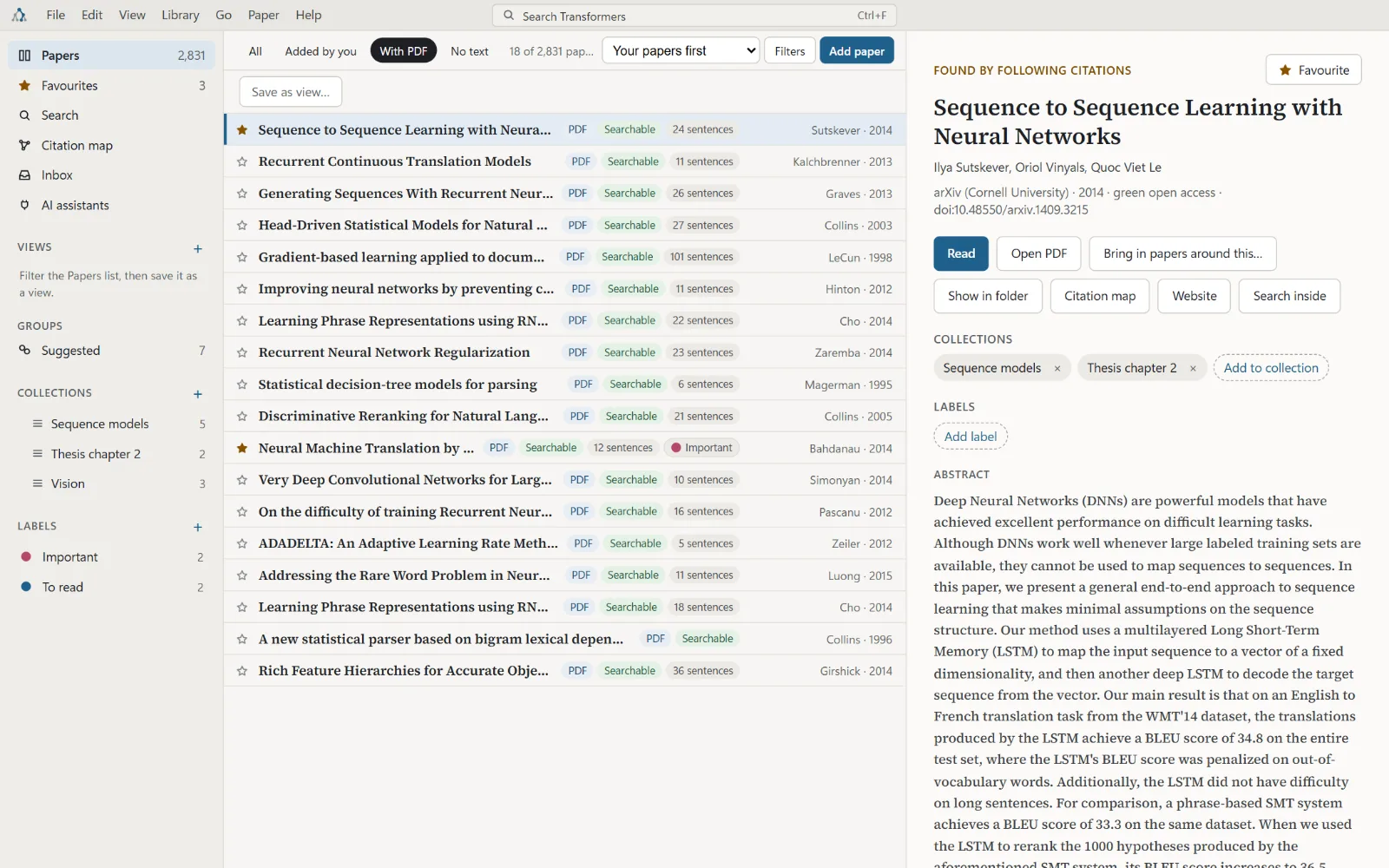
PapersYour library, one paper per row, with its PDF, labels and details beside it.
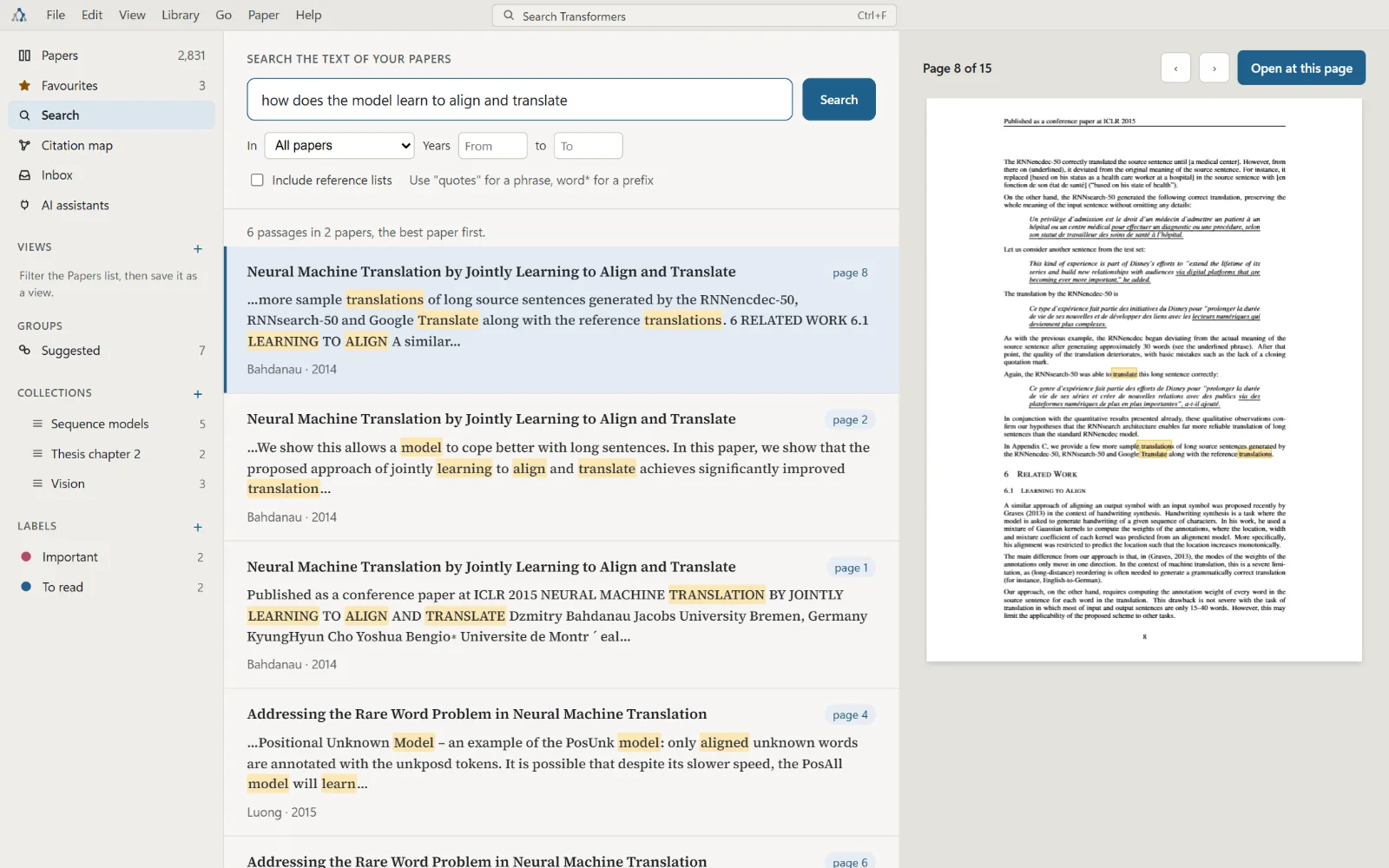
SearchKeywords across every PDF; the passage and its page, lit on the PDF.
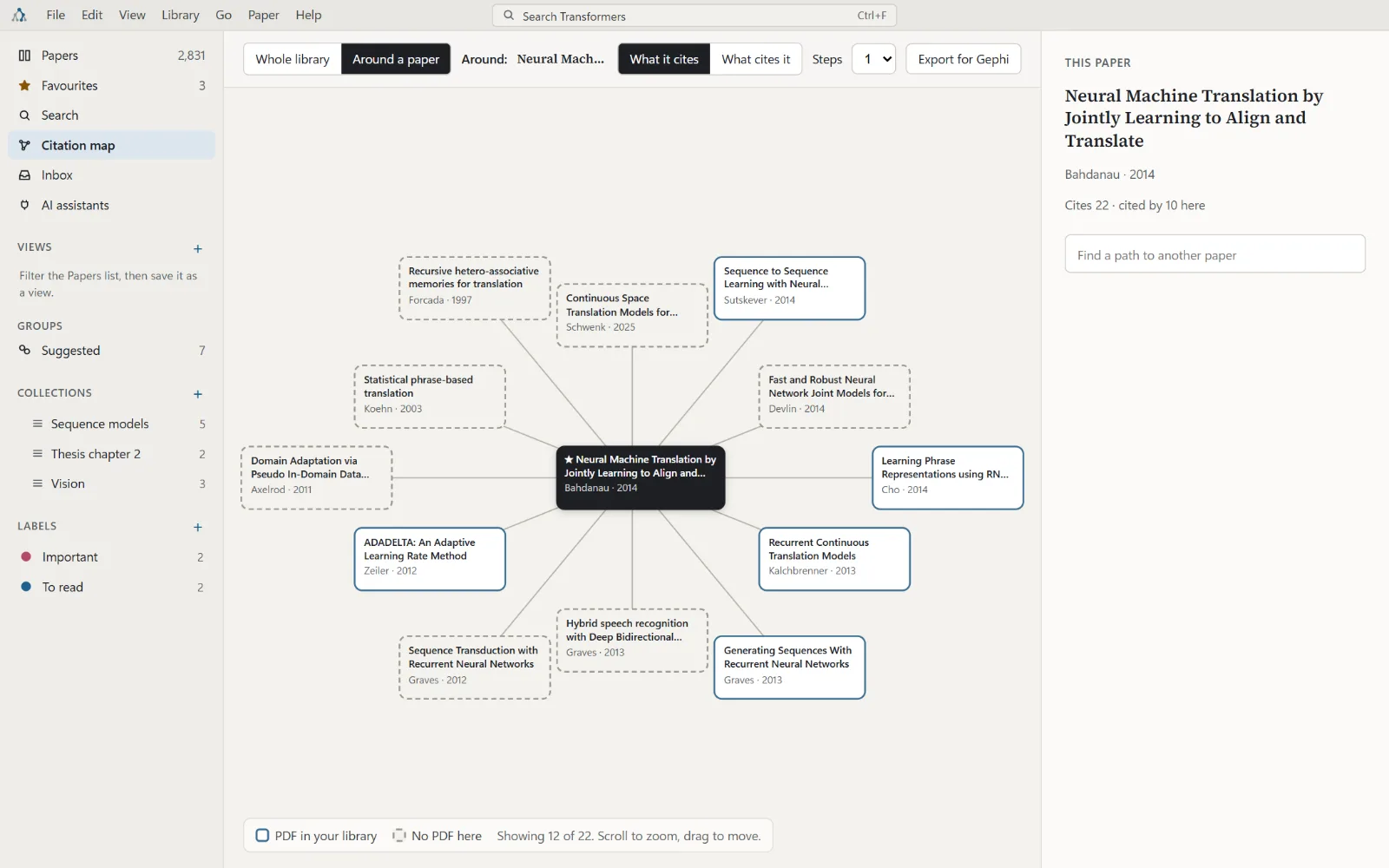
Citation mapWhat a paper cites and what cites it, or the whole library at once.
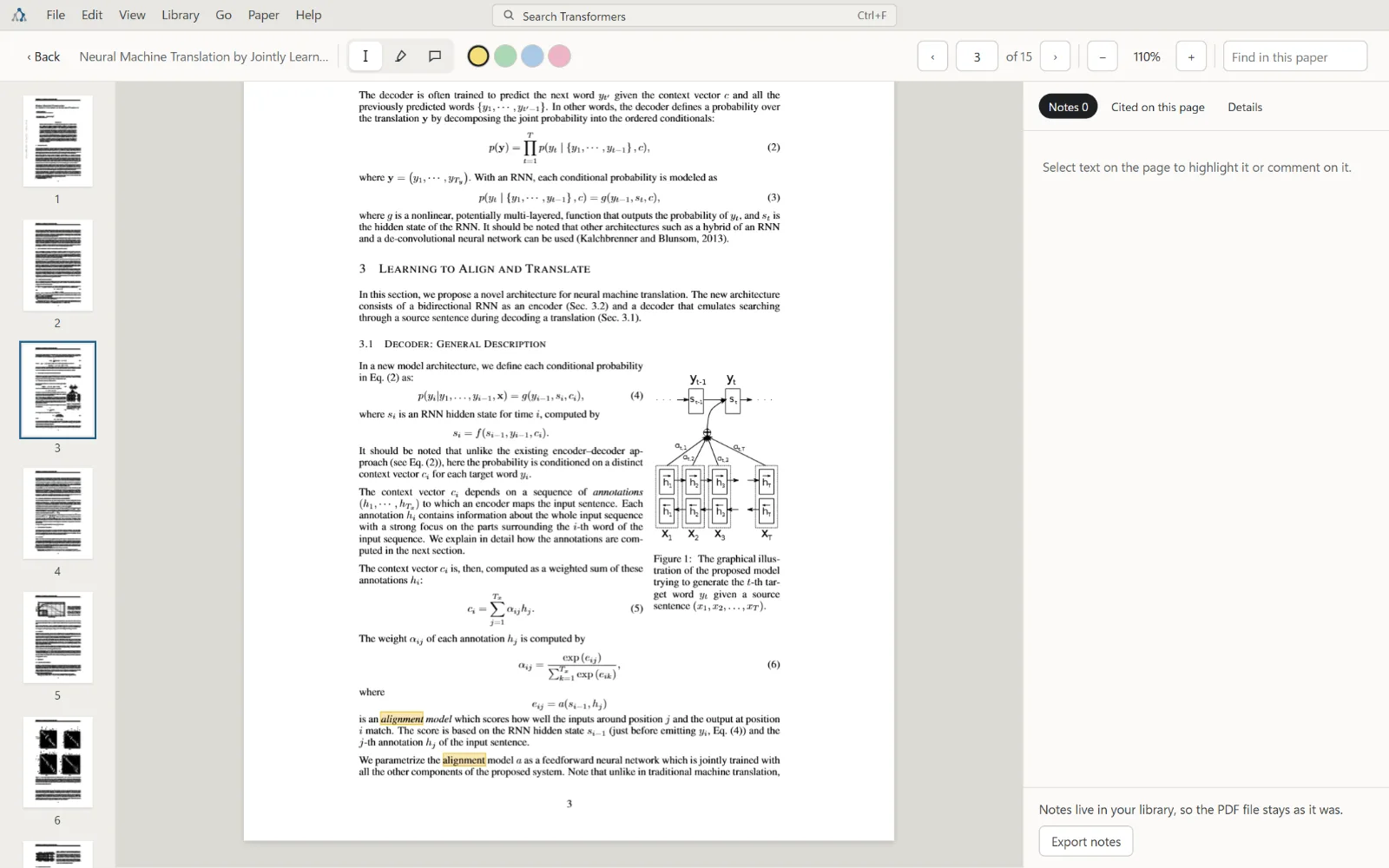
ReaderRead, highlight and comment, with several papers open in tabs. Notes live in your library; the PDF stays as it was.
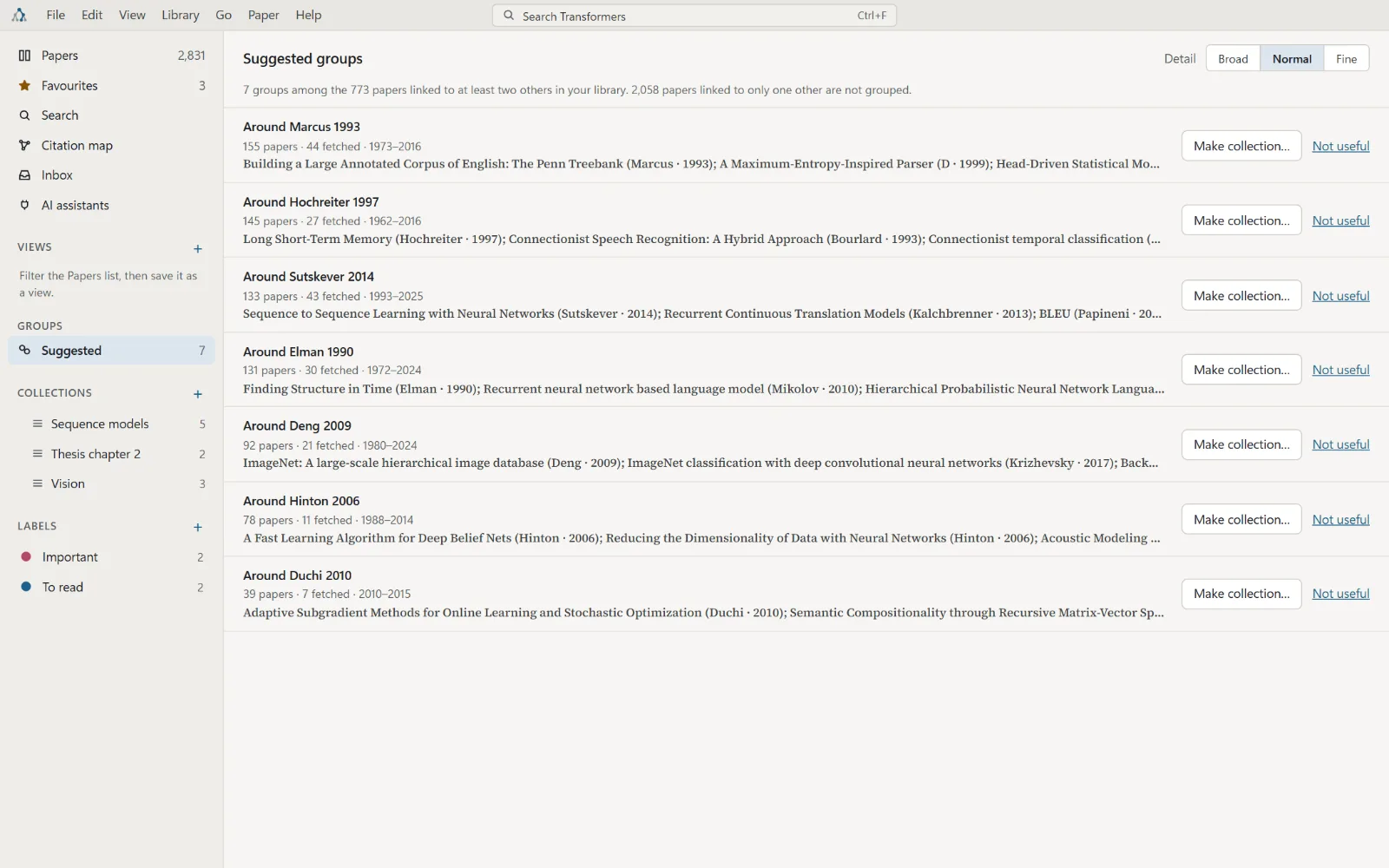
GroupsTopics found from the citations alone, offered as collections.
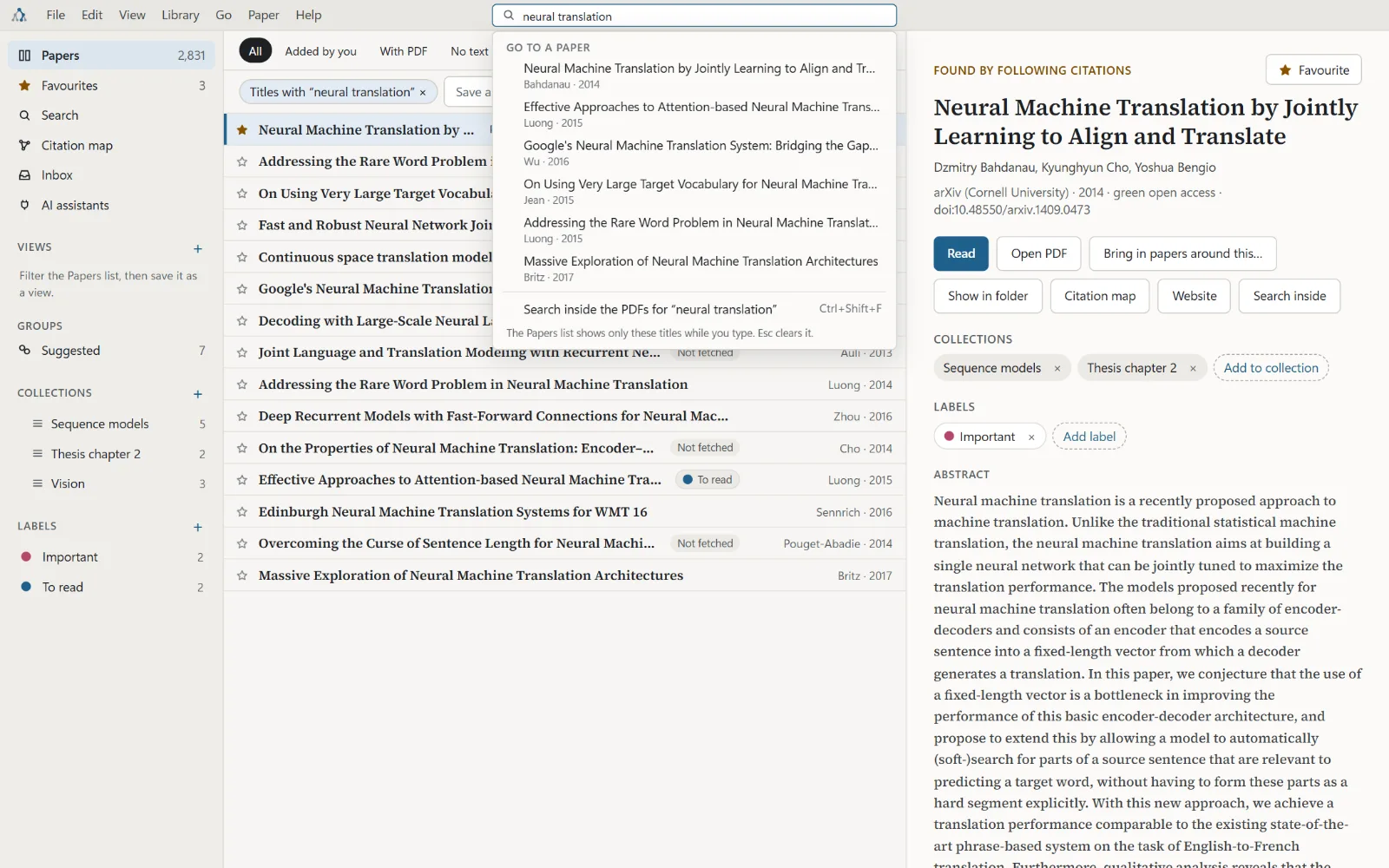
Title bar searchFind a paper you have, or paste a DOI or title to add a new one.
Keys worth knowing
| Ctrl+F | Search your library from the title bar. |
| Ctrl+click | Select more than one paper. |
| Shift+click | Select a run of papers. |
| Ctrl+A | Select every paper in the list. |
| Ctrl+Tab | The next tab: the Library tab, then each paper open. With Shift, the one before. |
| Ctrl+W | Close the paper tab in front. Ctrl+Shift+T opens it again, at its page. |
| Delete | Delete the selected papers. Their folders go to the Recycle Bin. |
| Right-click | A paper's actions: favourite, add to a collection, label, show on the map, download its PDF, bring in papers around it, delete. |